See what a better image prompt changes.
Instead of showing prompt text alone, these examples show the difference between a vague request and a structured prompt with purpose, composition, lighting and constraints.
Professional portraitVague → structured
Before
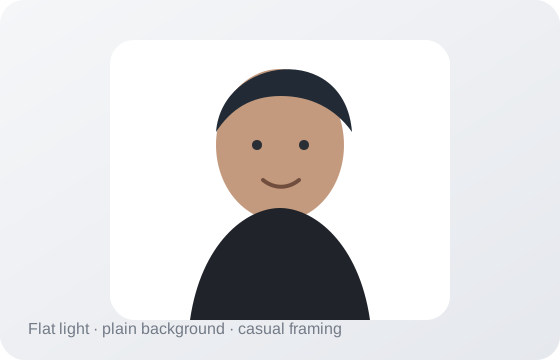
Weak prompt: “Make a professional headshot.”
Problem: no setting, light, framing or fidelity constraints.
Problem: no setting, light, framing or fidelity constraints.
→
After
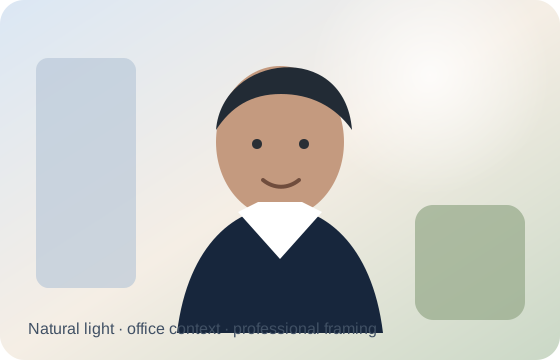
Better prompt: specifies natural window light, 85mm portrait framing, realistic skin texture, wardrobe, setting and what must stay natural.
Photorealistic portrait
Editorial portrait with natural depth
Create a photorealistic editorial portrait of [SUBJECT] in [SETTING]. Use soft directional window light, realistic skin texture, natural color separation, shallow depth of field, and subtle environmental context. Camera feel: full-frame photography, 85mm portrait lens, eye-level framing. Wardrobe: [WARDROBE]. Mood: [MOOD]. Keep facial proportions natural and avoid plastic skin, exaggerated sharpening, distorted hands, text, logos, or artificial beauty-filter effects.
Why this prompt is structured this way
It separates subject, lighting, camera feel and exclusions so the visual treatment can be reused without rewriting the whole idea.
Product photographyGeneric → commercial-ready direction
Before
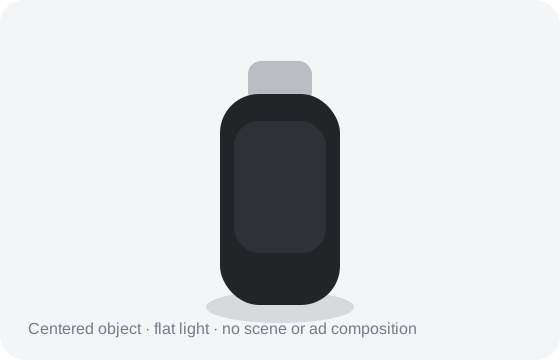
Weak prompt: “Improve this product photo.”
Problem: “improve” does not define composition, surface, light, material fidelity or ad space.
Problem: “improve” does not define composition, surface, light, material fidelity or ad space.
→
After
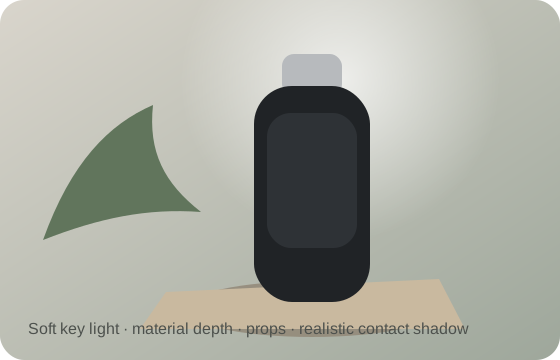
Better prompt: defines studio light, contact shadows, material accuracy, negative space for copy and packaging constraints.
Product photography
Premium studio product shot
Create a premium studio product photograph of [PRODUCT]. Place it on [SURFACE] with a clean background in [BACKGROUND TONE]. Use one soft key light from the upper-left, controlled rim lighting, realistic contact shadows, accurate materials, and crisp but natural detail. Composition should leave negative space on [LEFT/RIGHT] for optional copy. Accent prop: [OPTIONAL PROP]. No text, watermark, duplicate products, warped packaging, impossible reflections, or floating objects.
Common failure mode
Packaging, labels and reflections are still common failure points. Treat generated visuals as concepts unless exact product fidelity has been verified.
Cinematic landscape“Make it nicer” → visual direction
Before
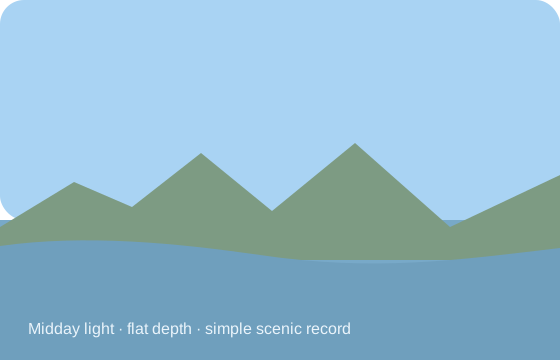
Weak prompt: “Make this look cinematic.”
Problem: no camera, light, depth, environment or emotional direction.
Problem: no camera, light, depth, environment or emotional direction.
→
After
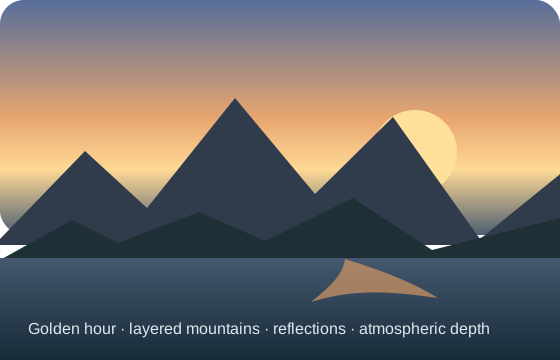
Better prompt: describes shot size, foreground/midground/background, natural light source, atmosphere, scale and restrained grading.
Cinematic scene
Story-driven cinematic frame
Create a cinematic still of [CHARACTER OR SUBJECT] in [LOCATION] during [TIME / WEATHER]. Frame the scene as a [WIDE / MEDIUM / CLOSE] shot with a clear foreground, middle ground and background. Lighting should come naturally from [LIGHT SOURCE]. Use restrained cinematic contrast, atmospheric depth, believable scale and realistic environmental texture. Emotional tone: [TONE]. Avoid over-saturated teal/orange grading, excessive fog, floating particles, unreadable signage and impossible anatomy.
Phone wallpaper
Minimal premium vertical wallpaper
Create a premium vertical smartphone wallpaper featuring [SUBJECT]. Keep the upper 25% visually calm for lock-screen clock readability. Position the main subject below center with strong depth, realistic materials and subtle atmospheric lighting. Use a clean edge-to-edge composition with no text, logos, borders or watermarks. Preserve important details away from the very top, bottom and side edges. Style: [PHOTOREALISTIC / MINIMAL / CINEMATIC / ILLUSTRATIVE].
Learn the tools from official sources
OpenAI AcademyCreating images with ChatGPT
↗
Purpose, subject, setting, style, constraints and iterative edits.
Official · Image generationMidjourneyPrompt basics
↗
Subject, medium, environment, lighting, color, mood and composition.
Official · Prompt guideRunway AcademyPrompting for generative video
↗
Motion, camera direction and temporal progression for video prompts.
Official · Video promptingAdobe FireflyGenerate and edit creative assets
↗
Explore Adobe’s current image and creative generation workflow.
Official · Creative suite